

PRODUCT CATEGORY
Android Panel PCs
Rockchip-based Android panel PCs for embedded HMI, kiosk and lightweight edge interfaces.
SINSMART provides industrial panel PC solutions for industrial applications, with product selection and custom display, processor, I/O, enclosure and software support shaped around the project requirement.
PANEL PC CATEGORIES
Start with the product form, operating system, mounting and thermal design. Each category leads to real product families and variant-level documentation.
INDUSTRIAL APPLICATIONS
Review the operating task, environment, integration path and validation requirements before selecting a product family.
Active solution
Plan an operator interface around control tasks, visualization software, PLC connectivity, panel integration and maintainability.

Active solution
Plan an operator interface around control tasks, visualization software, PLC connectivity, panel integration and maintainability.

Active solution
Plan an operator interface around control tasks, visualization software, PLC connectivity, panel integration and maintainability.

Active solution
Plan an operator interface around control tasks, visualization software, PLC connectivity, panel integration and maintainability.

Active solution
Plan an operator interface around control tasks, visualization software, PLC connectivity, panel integration and maintainability.

Active solution
Plan an operator interface around control tasks, visualization software, PLC connectivity, panel integration and maintainability.


 Mechanical and enclosure engineering
INDUSTRIAL APPLICATIONS
Begin with the operating requirement, not a fixed catalog configuration.
Our engineers review the computing workload, operator interface, installation, connectivity, environment and lifecycle needs as one project.
Configure processor, memory, storage and operating system around the software workload.
Specify screen size, brightness and touch method for the operator and environment.
Map LAN, COM, USB, isolated interfaces, PoE and wireless connectivity.
Coordinate panel cutout, VESA mounting, connector position and enclosure details.
Review input power, thermal design and project-specific protection requirements.
Plan OS images, drivers, boot behavior and repeat-order configuration control.
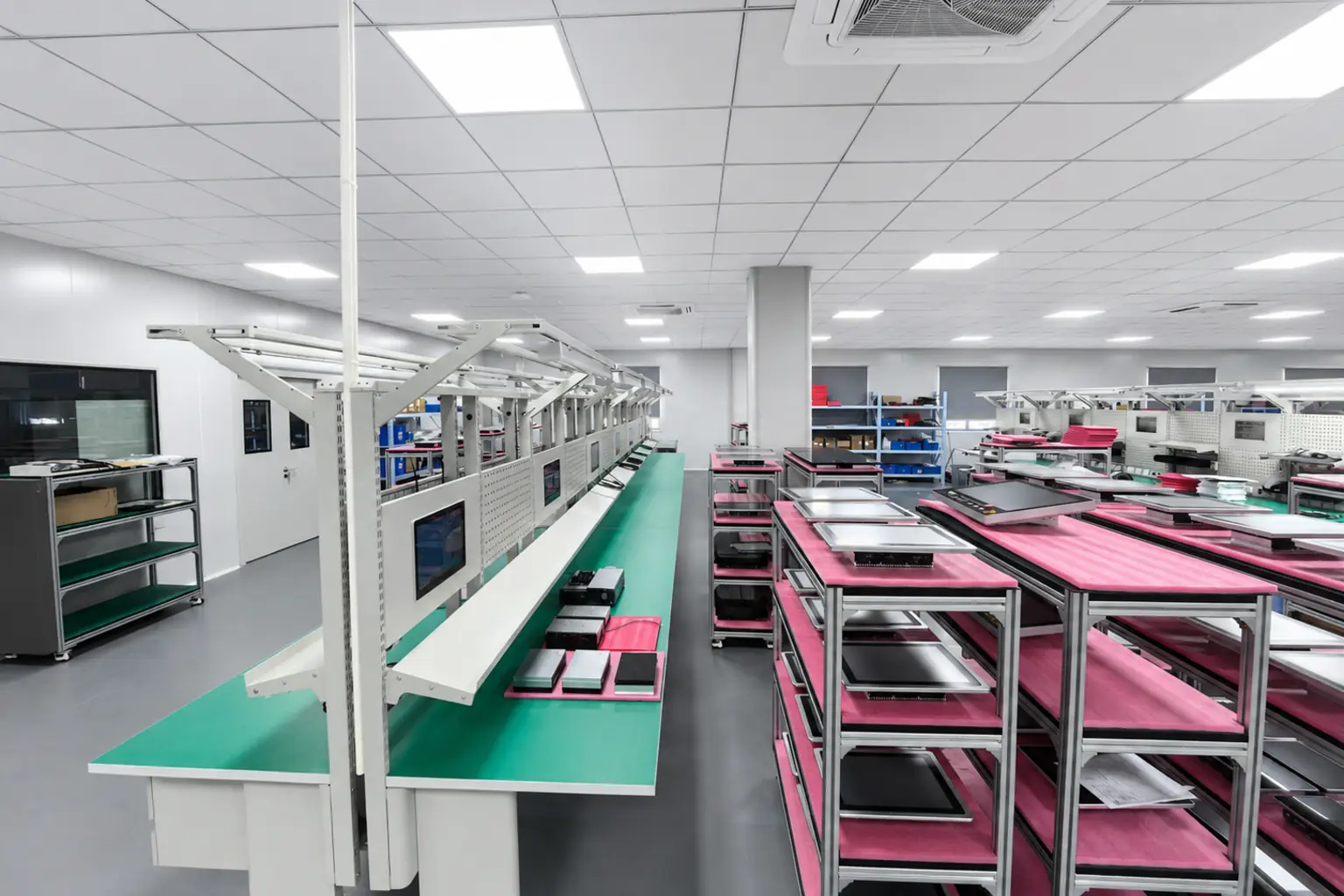
Company profile
SINSMART combines product selection, application engineering, customization, inspection and delivery planning in one industrial computing workflow.
Talk to an Engineer2008
Company founded
Established industrial computing experience supporting application-led projects.
600+
Industrial PC models
A broad product range covering panel, embedded, rackmount and rugged computing.
26,000+
Clients served
Project support for industrial customers with different platforms and deployment needs.
ISO 9001
Quality system
Quality management supports controlled production and inspection workflows.
The objective is a configuration that fits the equipment, can be validated before scale-up and arrives prepared for integration.
Ask an Engineer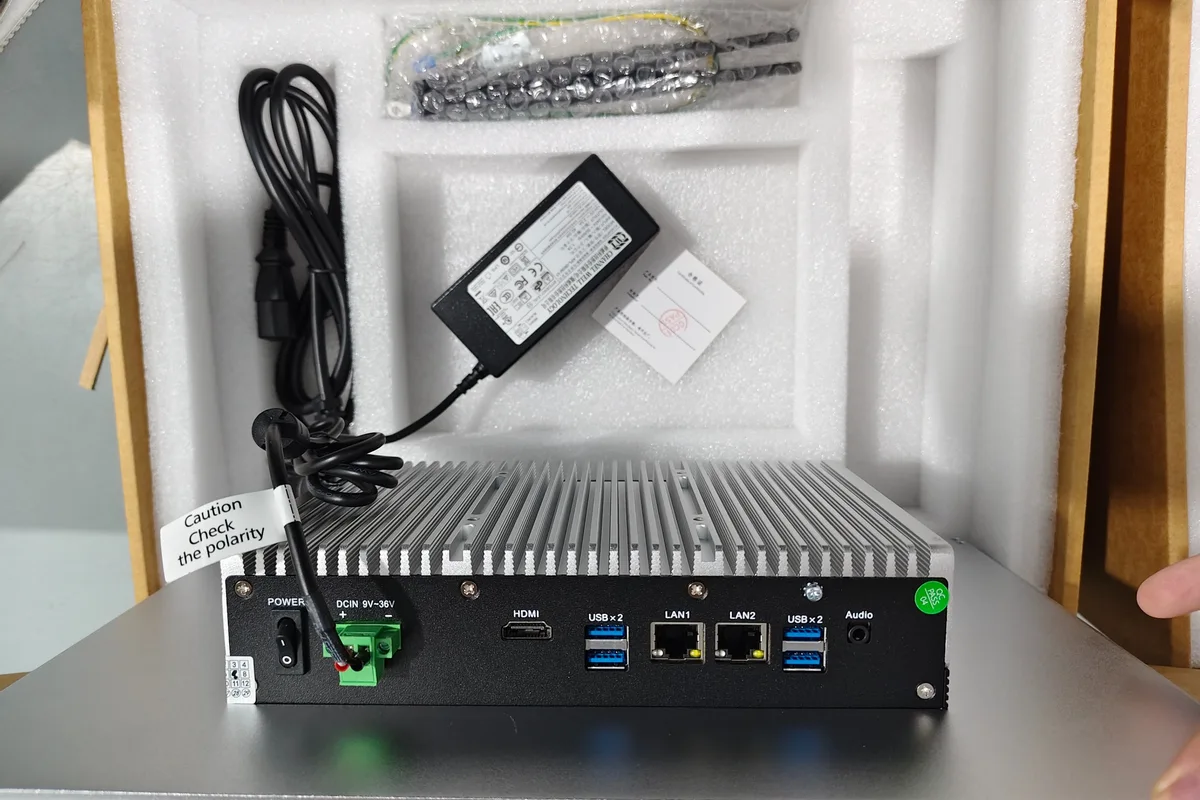
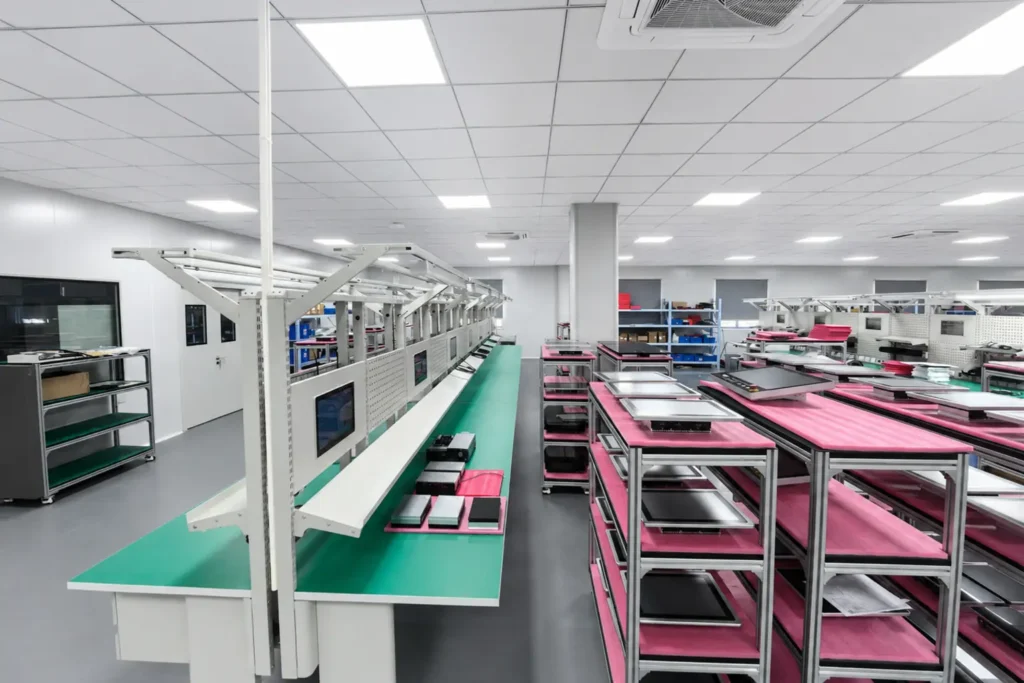
Configuration, interface and accessory review before delivery
Recommendations start with the machine, installation space, environment and software requirements.
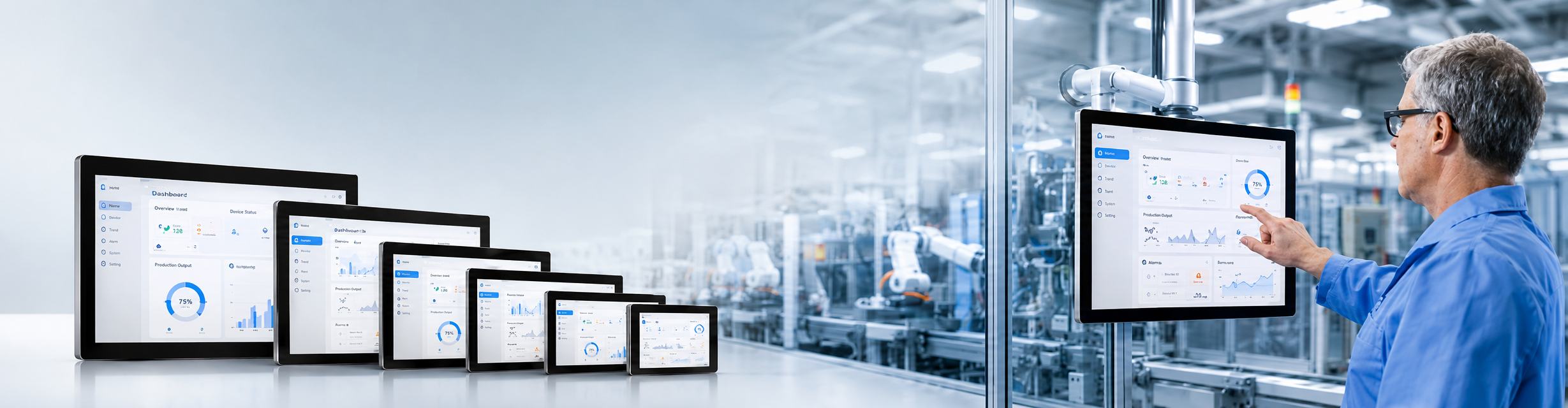
Multiple panel sizes and computing platforms support different control and visualization workloads.
Processor, memory, storage, interfaces, cutout, mounting and enclosure requirements can be evaluated together.
Projects can move through configuration review and sample evaluation before repeat production.
Display, touch, power, interfaces and system information can be checked against the confirmed project scope.
Datasheet review, configuration comparison and project-specific questions stay connected to the sourcing process.
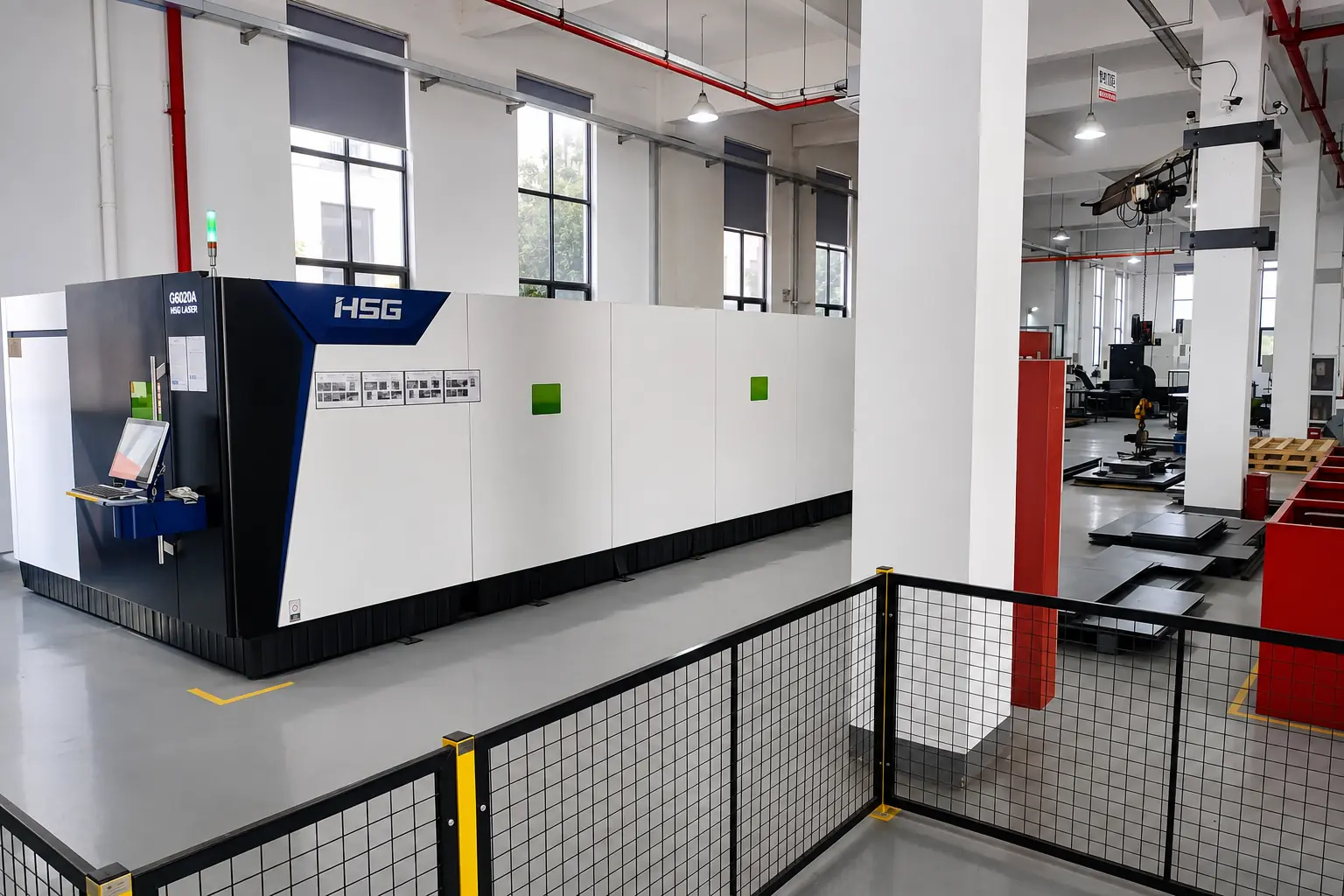
Prototype copy for layout review only. Replace every statement with a verified customer quotation before launch.
“Lorem ipsum dolor sit amet, consectetur adipiscing elit, sed do eiusmod tempor incididunt ut labore et dolore magna aliqua. Ut enim ad minim veniam, quis nostrud exercitation ullamco laboris nisi ut aliquip ex ea commodo consequat.”

“Lorem ipsum dolor sit amet, consectetur adipiscing elit, sed do eiusmod tempor incididunt ut labore et dolore magna aliqua. Ut enim ad minim veniam, quis nostrud exercitation ullamco laboris nisi ut aliquip ex ea commodo consequat.”
“Lorem ipsum dolor sit amet, consectetur adipiscing elit, sed do eiusmod tempor incididunt ut labore et dolore magna aliqua. Ut enim ad minim veniam, quis nostrud exercitation ullamco laboris nisi ut aliquip ex ea commodo consequat.”
“Lorem ipsum dolor sit amet, consectetur adipiscing elit, sed do eiusmod tempor incididunt ut labore et dolore magna aliqua. Ut enim ad minim veniam, quis nostrud exercitation ullamco laboris nisi ut aliquip ex ea commodo consequat.”
“Lorem ipsum dolor sit amet, consectetur adipiscing elit, sed do eiusmod tempor incididunt ut labore et dolore magna aliqua. Ut enim ad minim veniam, quis nostrud exercitation ullamco laboris nisi ut aliquip ex ea commodo consequat.”
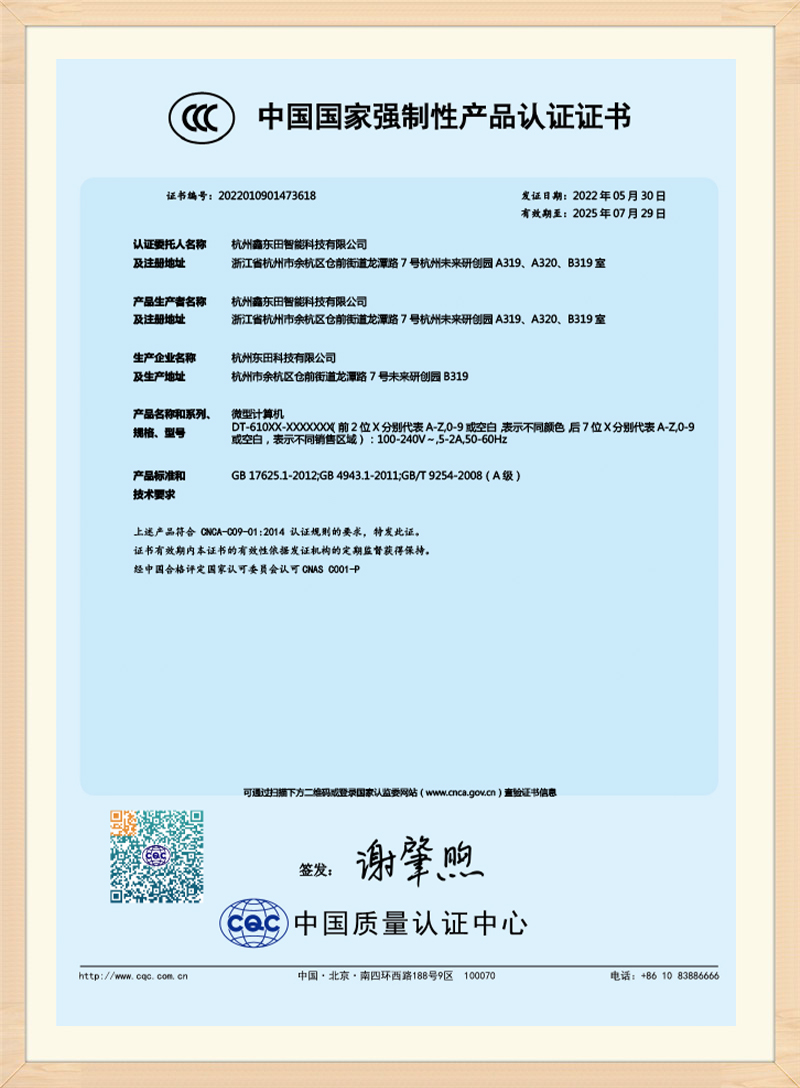
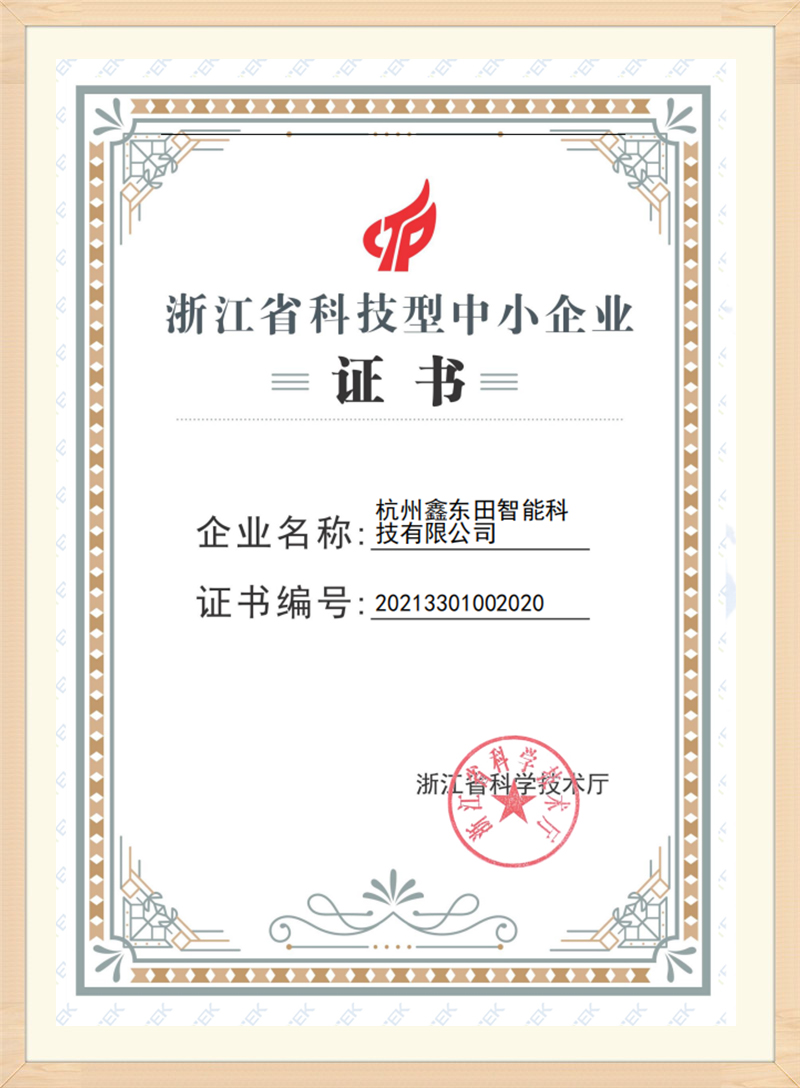
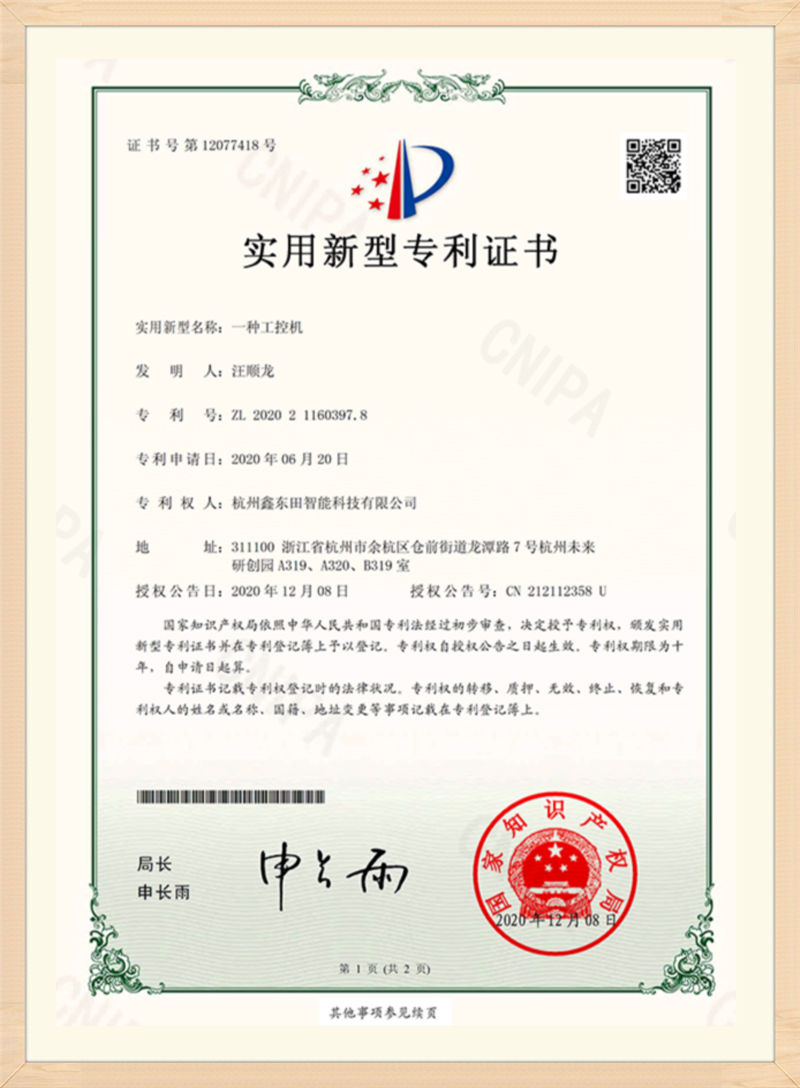
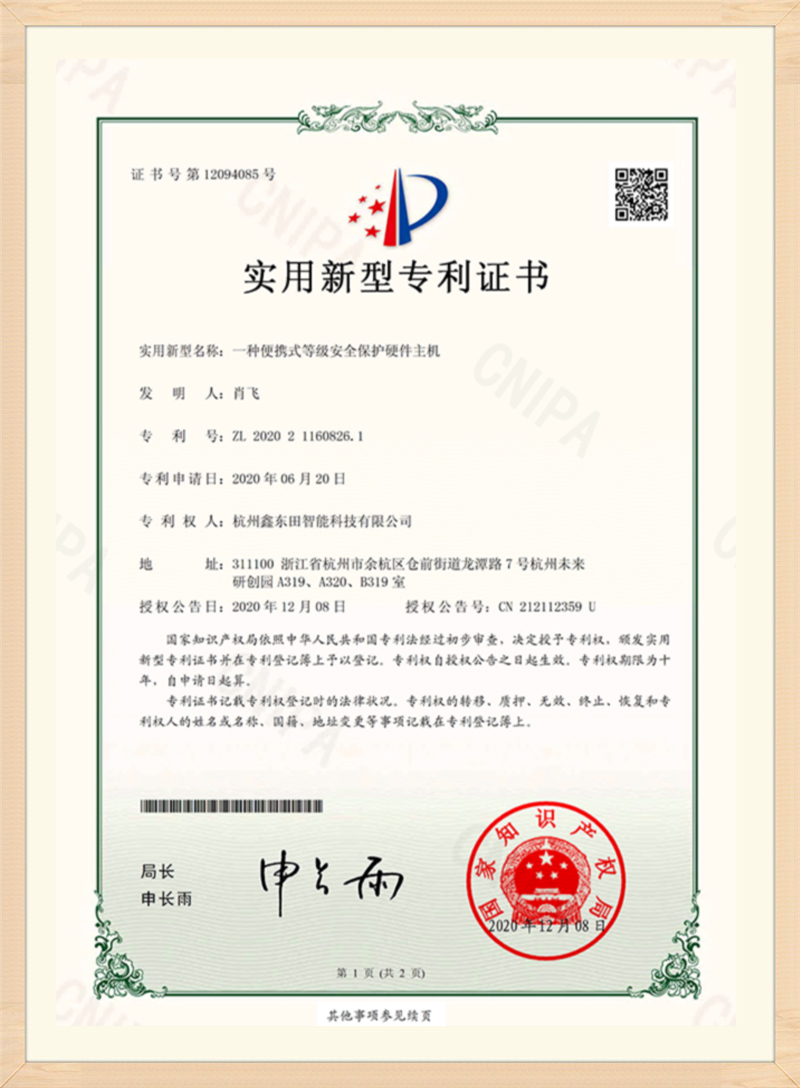
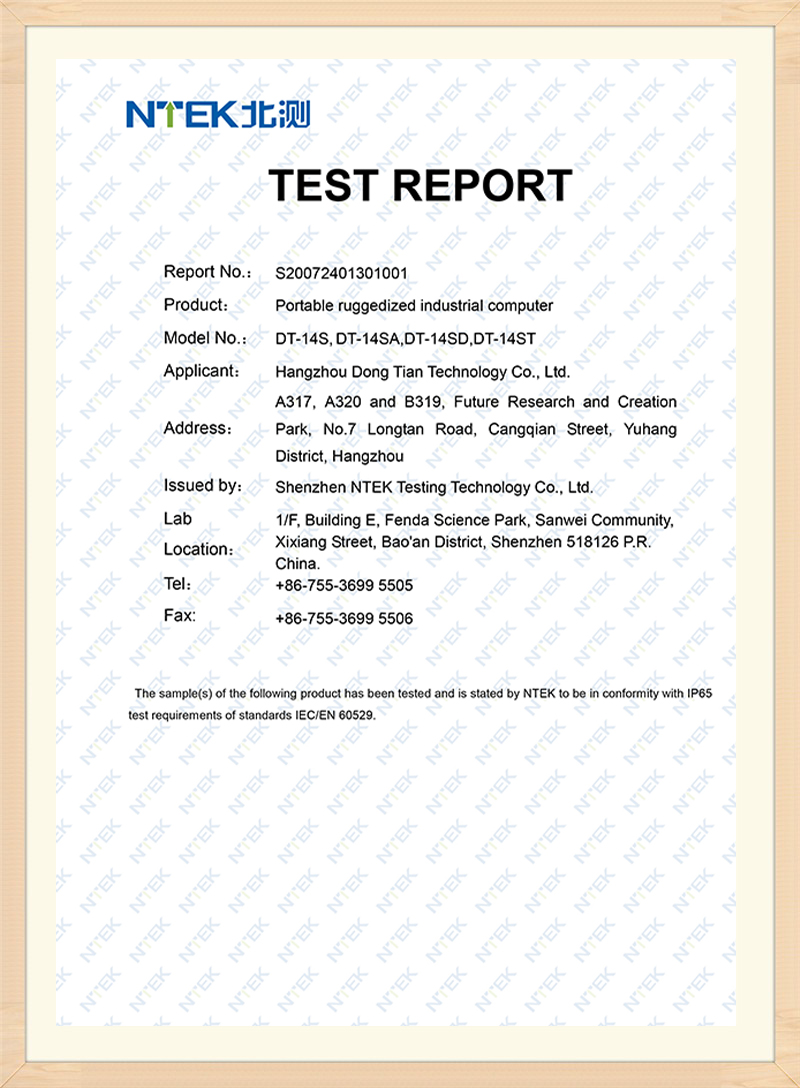
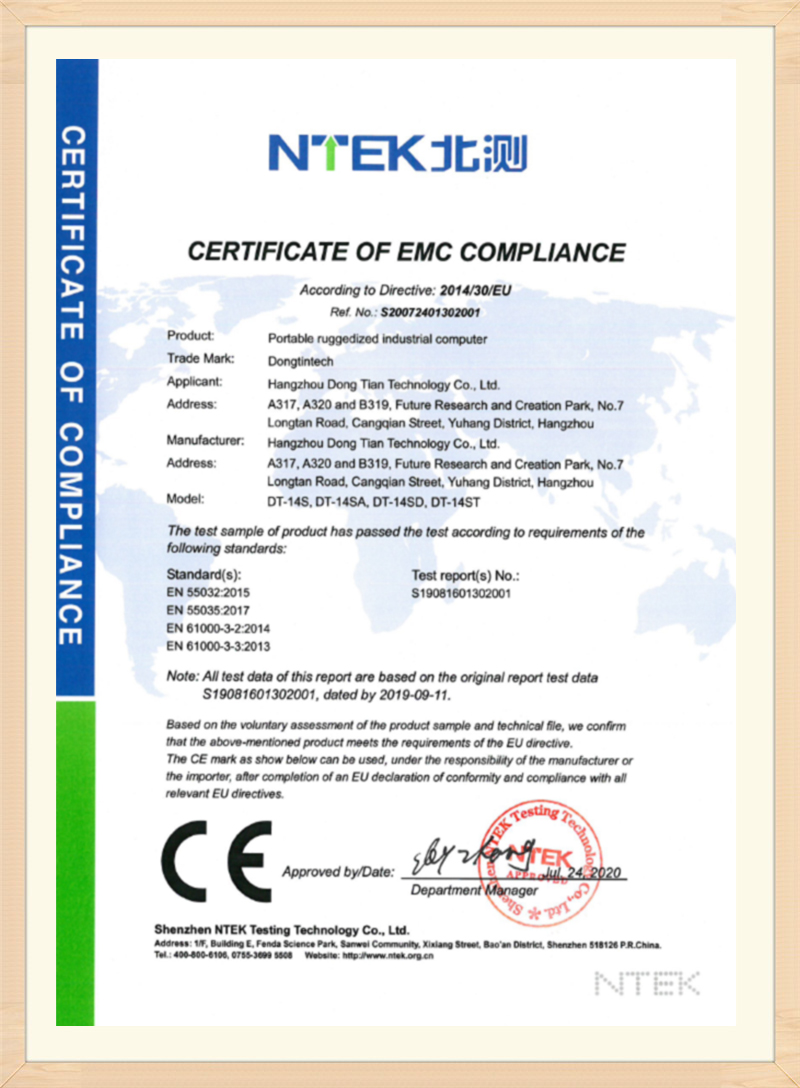
Certificates and reports are shown as supporting company evidence. Confirm the current document and model-specific applicability with our team before qualification.










Share the application, target configuration and project quantity. We will use those details to evaluate the right next step.
Tell us the machine or application, installation space, operating environment, display size, processor, operating system, touch method, required I/O, mounting method and quantity where known.
SINSMART can evaluate processor, memory, storage, interface, enclosure, cutout, mounting, connector-position and branding requirements. Feasibility depends on the selected components and project scope.
Yes. The available operating-system options depend on the selected processor platform, drivers and application requirements.
Sample preparation and validation planning are available for projects that require evaluation before mass production. The test scope and schedule are confirmed for the selected configuration.
Pricing and lead time depend on the confirmed configuration, project quantity, component availability and customization requirements.
These summaries come from published SINSMART customer cases. They are presented as deployment evidence, not unattributed customer quotations.
Continue with focused articles that answer the questions buyers and engineers need to resolve before model selection
Welcome to WordPress. This is your first post. Edit or delete it, then start writing!
Welcome to WordPress. This is your first post. Edit or delete it, then start writing!
Welcome to WordPress. This is your first post. Edit or delete it, then start writing!
Use the available project and production videos to understand physical handling before requesting model-specific drawings or validation evidence.
Send the project constraints once so product, engineering and quotation review use the same requirement set.